Content Studio
Reusable blocks for headings, callouts, cards, columns, checklists, buttons, and common instructional page sections.
Canvas Enhancer is organized around teacher workflow areas — course content, grading, operations, and communication — all free to use.
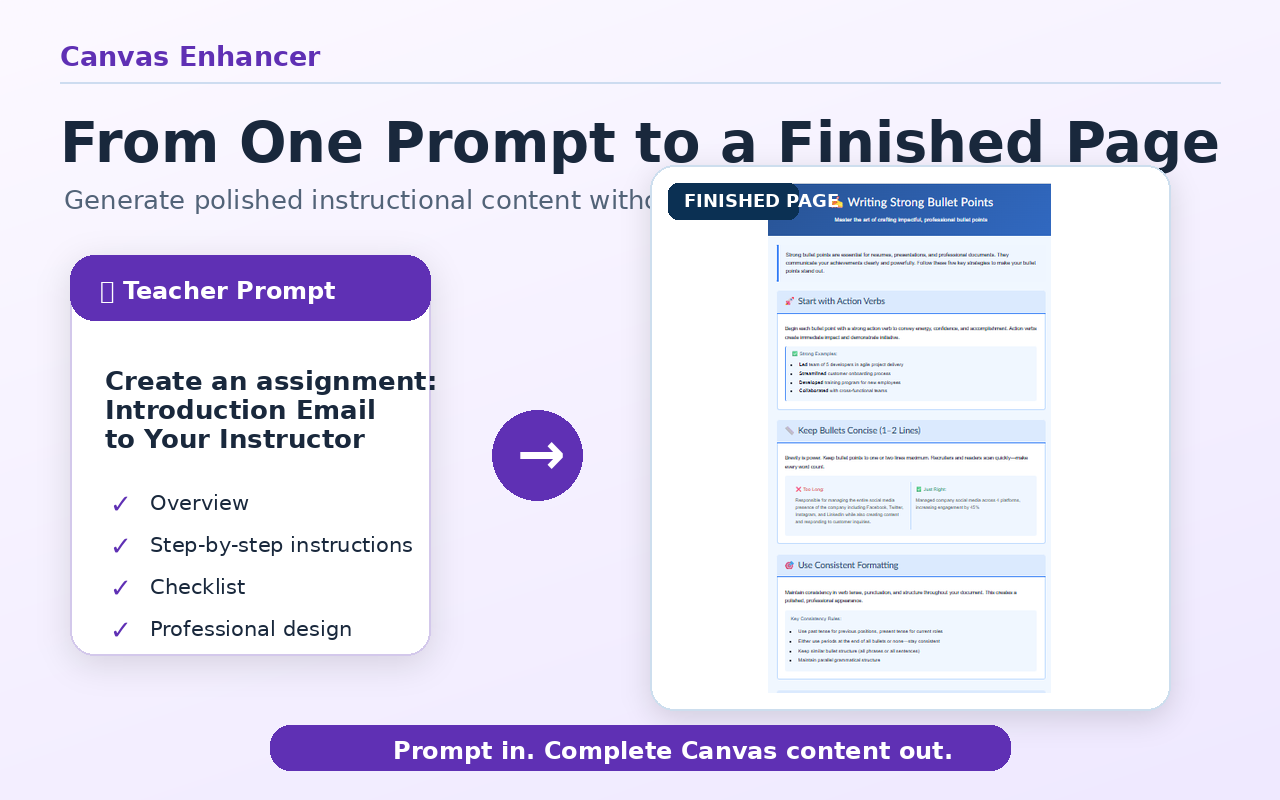
Tools for creating structured Canvas pages without requiring teachers to write HTML.
Reusable blocks for headings, callouts, cards, columns, checklists, buttons, and common instructional page sections.
A consistent set of page patterns that can be reused across courses and modules.
Drafts full Canvas page structures from a prompt.
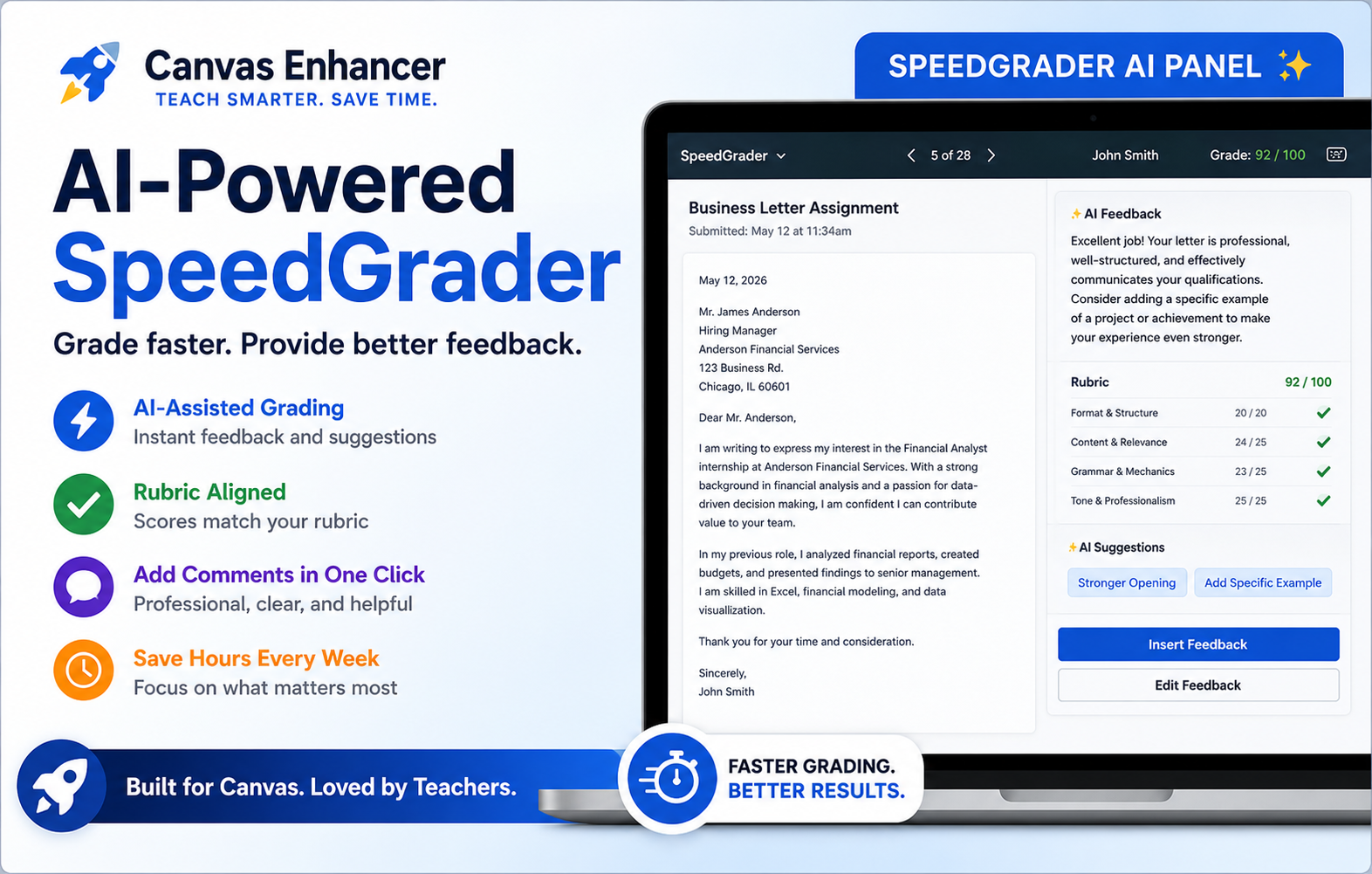
Tools for reviewing student work, checking the gradebook, and drafting assessment materials.
Drafts rubric-aligned feedback and score suggestions for teacher review in SpeedGrader.
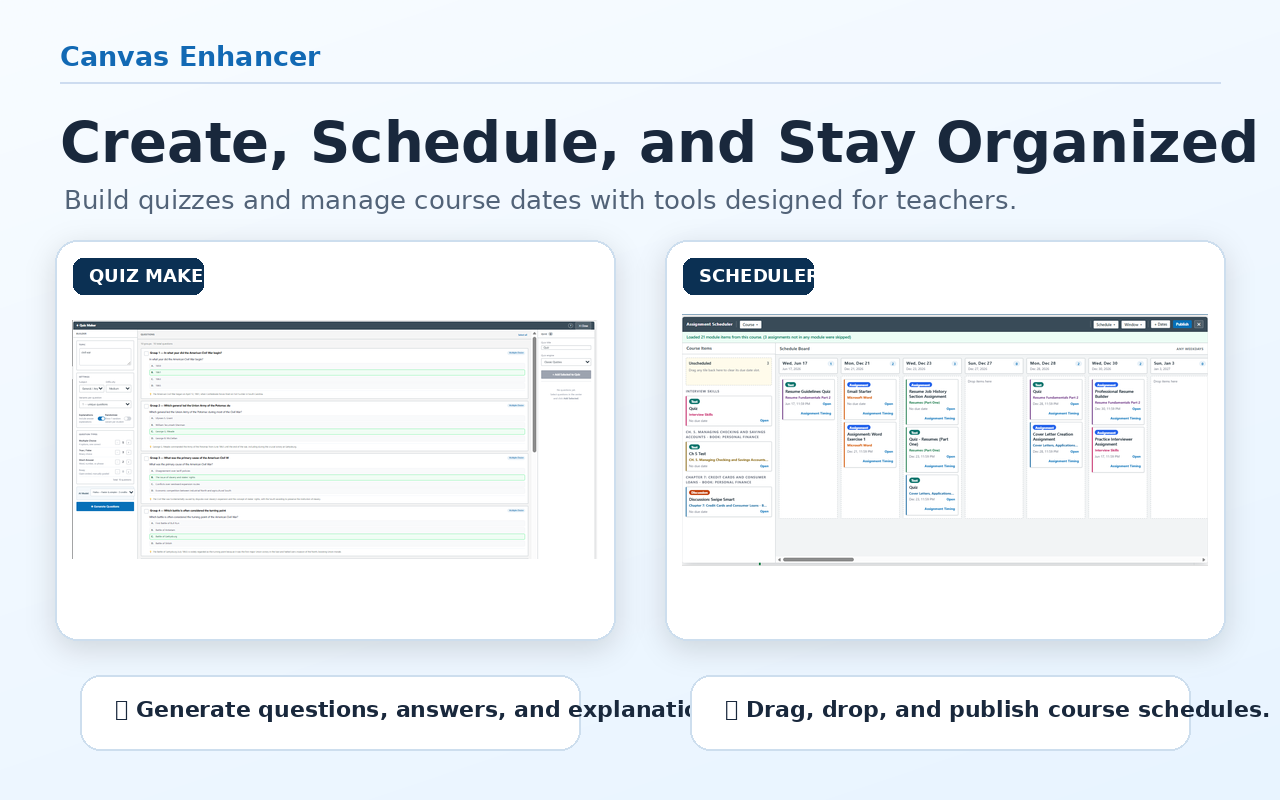
Drafts quiz questions, choices, answer keys, and feedback.
Surfaces ungraded work, missing scores, and possible gradebook inconsistencies.
Tools for repetitive setup and maintenance tasks inside Canvas.
Applies timing rules across assignments, including due dates and availability windows.
Reuses date preferences while editing Canvas assignments.
Shows course-level signals related to missing work, low activity, and possible student risk.
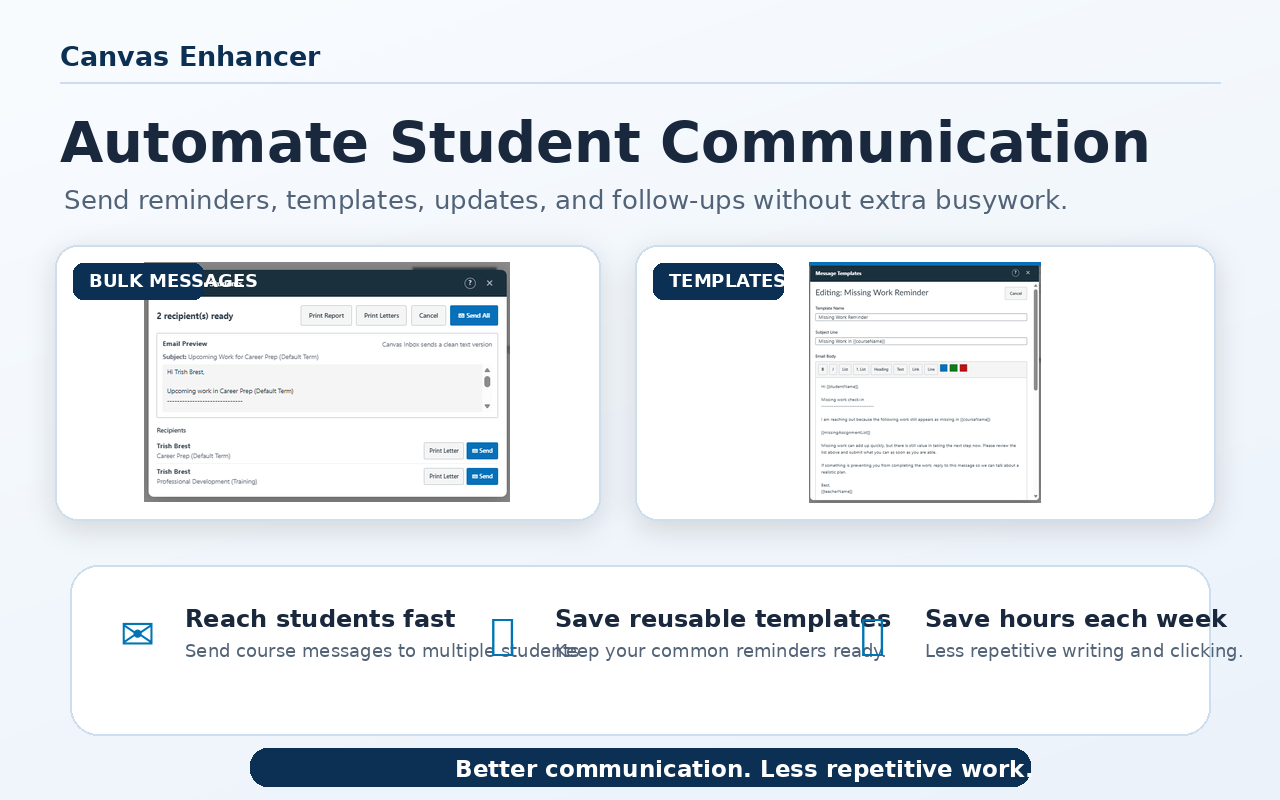
Tools for routine messages and recurring course communication.
Supports targeted course messaging and reusable message templates.
Provides reusable announcement templates for recurring course updates.